Dust and scratch removal
Cleans dirt and abrasion picked up from decades of physical handling.
FILM RESTORATION, SIMPLIFIED
Restore your digitized film with automatic settings chosen by Viva. Select your footage and range, with optional stabilization and sharpening.
Restores damage while retaining the film’s grain character.
Same restoration processing. Two ways to receive your result.
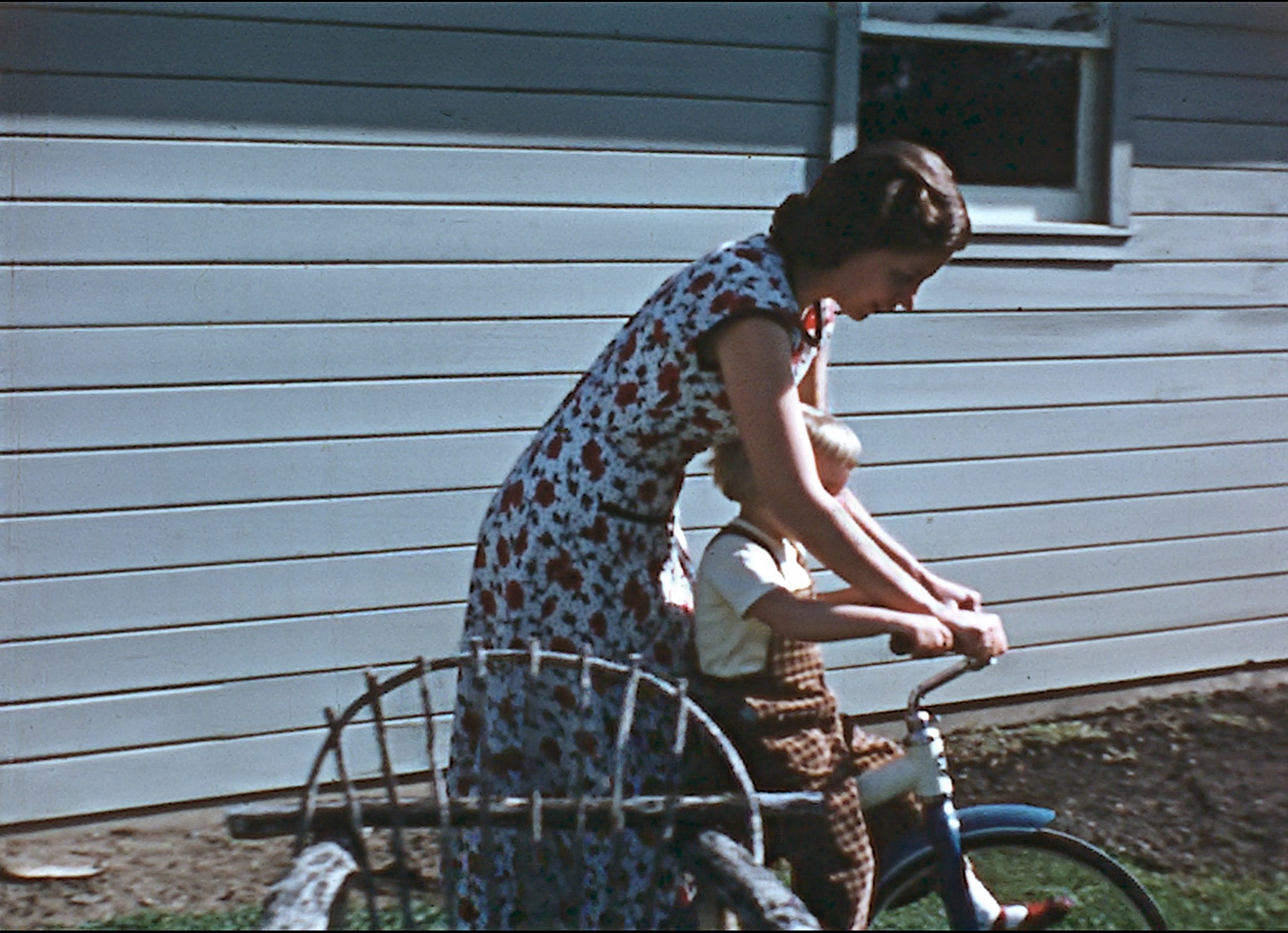
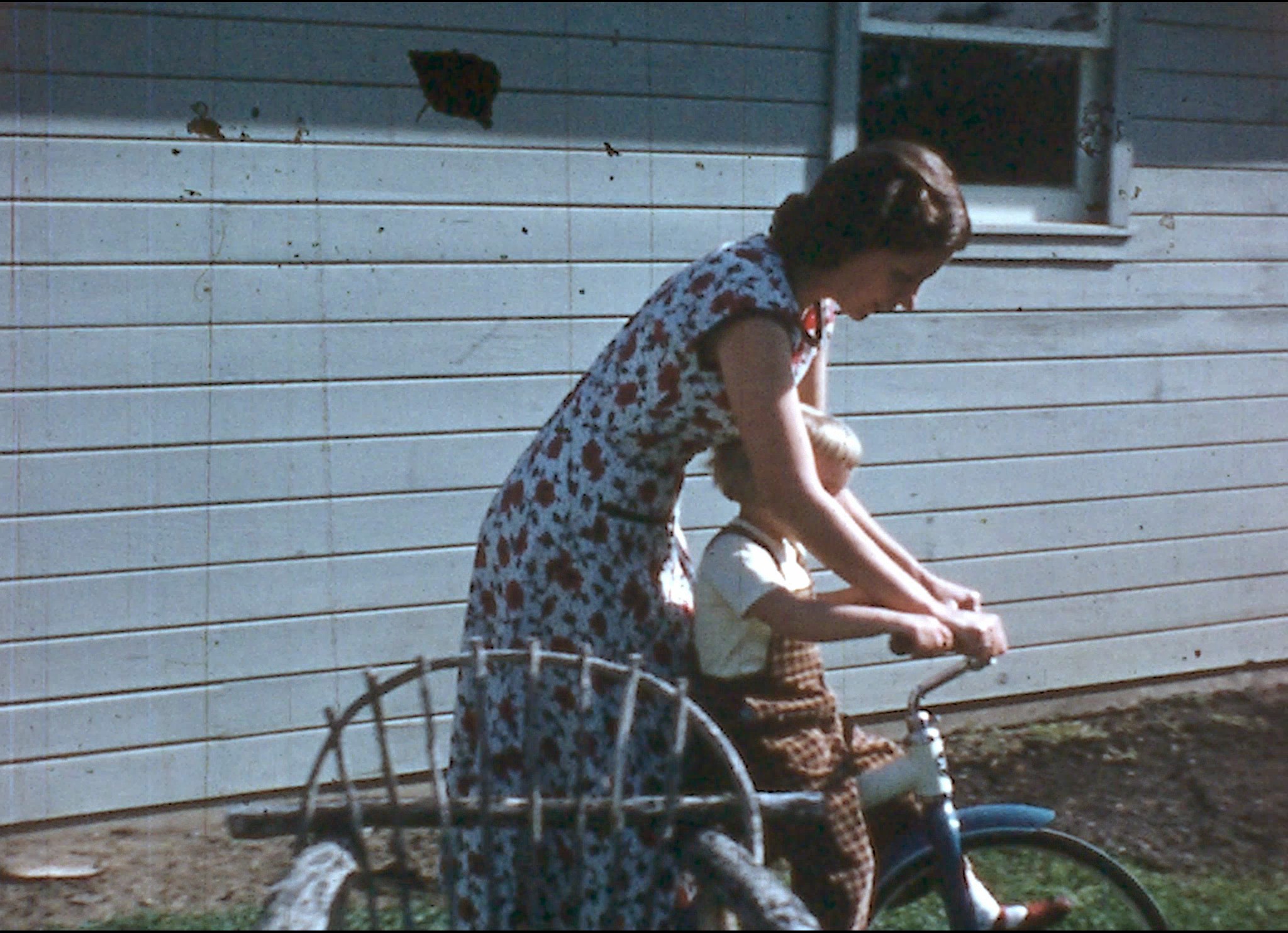 BeforeAfter
Process
Everything runs on our servers. You upload a file and wait for the result — nothing to configure.
Any digital scan of celluloid film. Free Demo clips must be up to 200 MB.
We process a sample automatically and show you the original next to the restored version — no charge, no obligation.
Like what you see? Place a regular order and we'll process the complete file at full resolution.
What gets fixed
Viva addresses defects in the scanned image while respecting the texture and character of the original film.
Cleans dirt and abrasion picked up from decades of physical handling.
Removes brightness flicker and camera or scanner jitter, frame to frame. Stabilization is optional.
Rebuilds progressive frames from interlaced video sources automatically.
Targets deep vertical scratches on damaged prints.
Restores damage while retaining the film’s grain character.
A FEW USEFUL ANSWERS
No. Both services use the same restoration processing. Free Demo is limited to 30 seconds and produces a side-by-side MP4. Paid Service delivers restored ProRes MOV footage.
No. Viva analyzes the footage and chooses the restoration settings. You decide whether to include stabilization and sharpening.
Yes. Choose a starting point for Free Demo. In Paid Service, choose Entire clip or Selected start and duration. The price uses the selected duration, with a one-minute minimum.
This service processes digital video files. Your film must be digitized before you upload it.
DigiFilmRestore is powered by Algosoft Viva, software developed for film restoration.
Digital scans of film are particularly suited to this service.
Audio restoration is not included in this service.
Three Demo clips per account and per IP address in a rolling 14-day period. Each Demo processes up to 30 seconds from your selected start, and the uploaded clip must be up to 200 MB.